Testing by hand
Find your test address, use it in the app you're testing, and copy the code from the inbox.
Your address
- Sign up with your work email, or open the invite your admin sent you.
- On Overview, find Your private test domain under Test domains. It looks like
a1b2c3d4e5f60718.qa.aravaltech.info. - In the app you're testing, use any name at it, such as
signup-1@<your-name>.qa.aravaltech.info. Nothing needs setting up first.
Read the mail
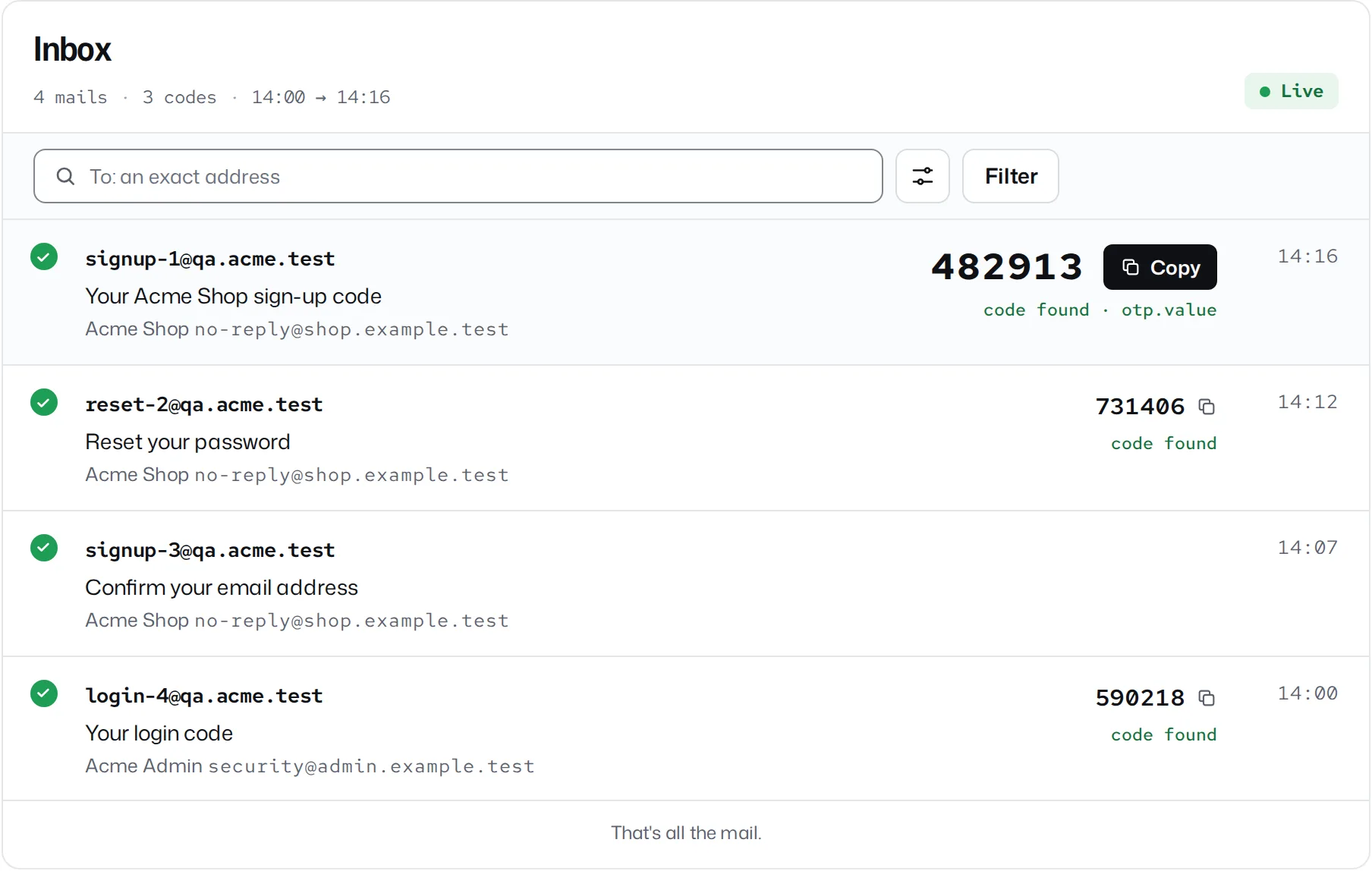
- Open Inbox. New mail appears within seconds, without a reload.
- If Mayfly found a code, it's on the mail's row. Select it to copy it.
- Select the subject to open the mail, or the address to see only that address's mail.
Nothing after a minute? See Mail doesn't arrive.